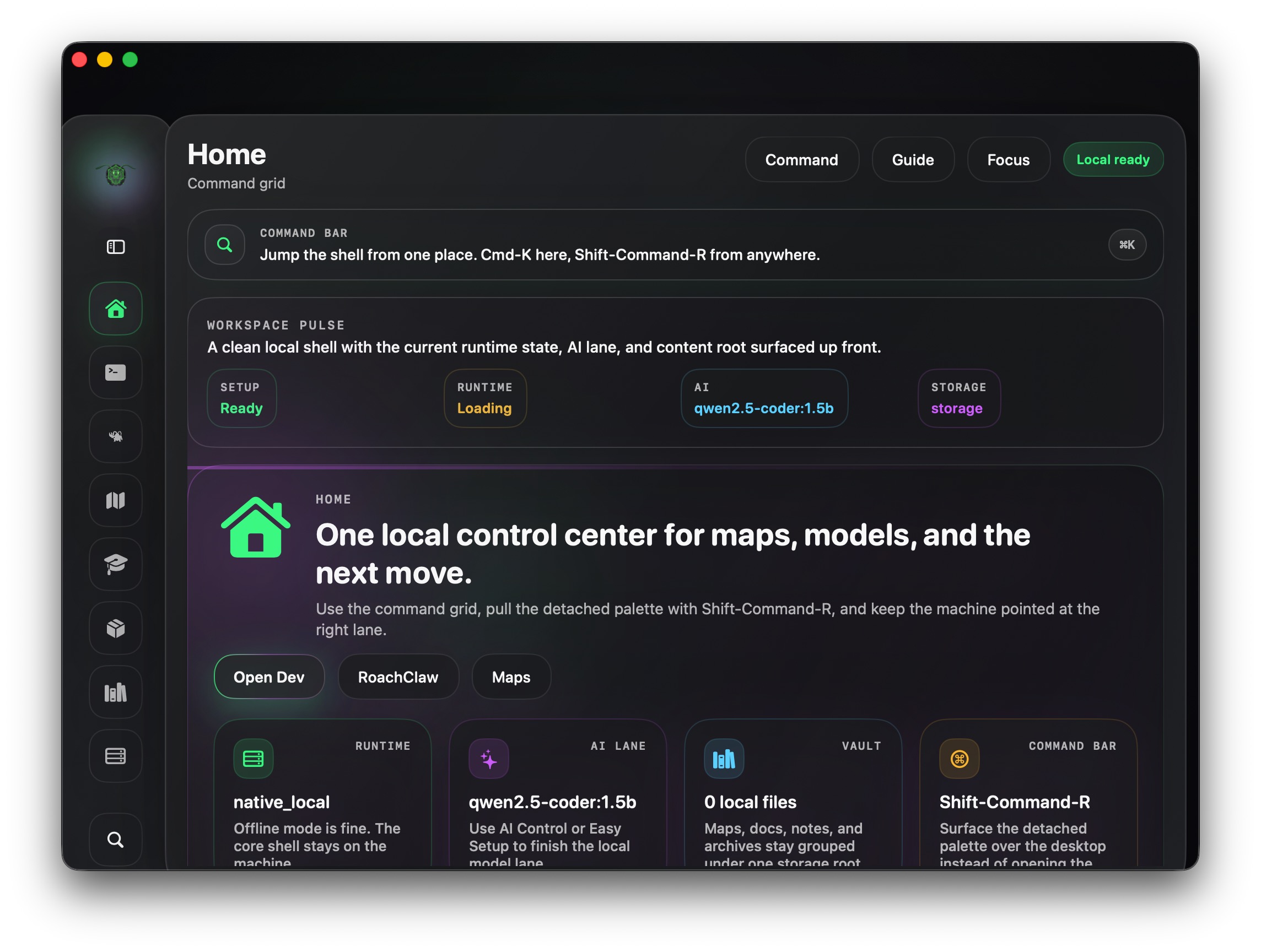
Tap the RoachNet cask.
brew tap AHGRoach/roachnet
RoachNet Brew
Skip the setup app. Drop the shell into ~/RoachNet/app. Keep the runtime, vault, and local tools under the RoachNet folder.
Apple Silicon only. Fresh Homebrew installs are supported. The helper can install Homebrew first, then run the cask.
The direct lane writes the RoachNet config automatically, marks the first launch as a contained Homebrew bootstrap, disables the companion bridge on first boot, and skips the launch intro so the shell can come up cleanly on a fresh Mac.
Install
brew tap AHGRoach/roachnet
brew install --cask roachnet
open ~/RoachNet/app/RoachNet.app
What it installs
~/RoachNet/app/RoachNet.appThe Homebrew lane copies the native app directly out of the packaged DMG and clears macOS quarantine metadata on the installed bundle.
~/RoachNet/storageVault files, downloads, models, logs, and runtime state stay under the RoachNet folder instead of spilling into host-level service roots.
~/RoachNet/binAny RoachNet-managed helper binaries and local tool shims stay alongside the app instead of being sprayed across global paths.
~/Library/Application Support/roachnetThe cask writes the contained install config plus the legacy resume file so the shell knows its paths before first launch, including the Homebrew install profile and pending bootstrap state.
Homebrew runtime
~/RoachNet/storage/state/runtime-cache, not /tmp, and native addons are re-signed there on macOS.~/RoachNet/storage/logs so the Homebrew lane stays readable and self-contained.